
Every box checked. Every error recorded.
Receiving, checking, inventory, transfer and shipping with barcode scanning on the phone. Moki agents show where the discrepancies are and how much they cost.
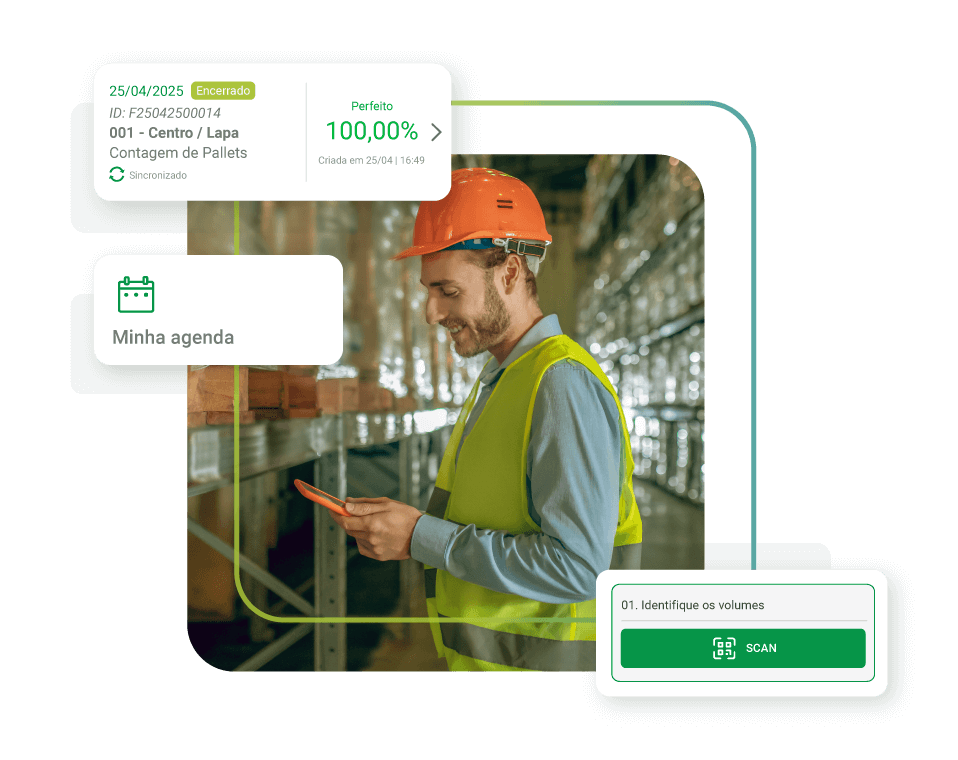
Manual checking lets the error through.
Count box by box, note it on paper and type it in later. The error enters the stock and only shows up in the inventory, or at the customer.
Sequential scanning on the phone, with no handheld scanner and no typing.
Every step of the goods.
Invoice and order checked against the goods.
Full or cyclical, with sequential scanning.
Between stores and distribution centers.
Order checked item by item.
Load checked before it leaves.
Recorded with photo and owner.
Smart Scan inside the checklist.
Scanning uses technology from Scandit, a Moki partner, and works with the phone camera, even on hard-to-read labels.
From barcode to accurate stock.
About goods movement
Can I use the checklists I already have?
Yes. We bring your checklists into Moki or start from one of our templates.
Does it integrate with the ERP or WMS?
Yes, through the API or a project integration, to check invoice, order and stock.
Do I need a handheld scanner?
No. The phone camera does the scanning.
A simple calculation to take to the leadership team: hours spent consolidating, recurrence and the time between the record and the decision.
Bring the checking process with the most errors.
We show you how it works with Smart Scan.
A specialist will contact you to arrange sending the data through a secure link.
- We bring data from any system, even spreadsheets.
- The reading is done with your operation's numbers.
- Your data is yours. We don't use it to train anyone's AI.